
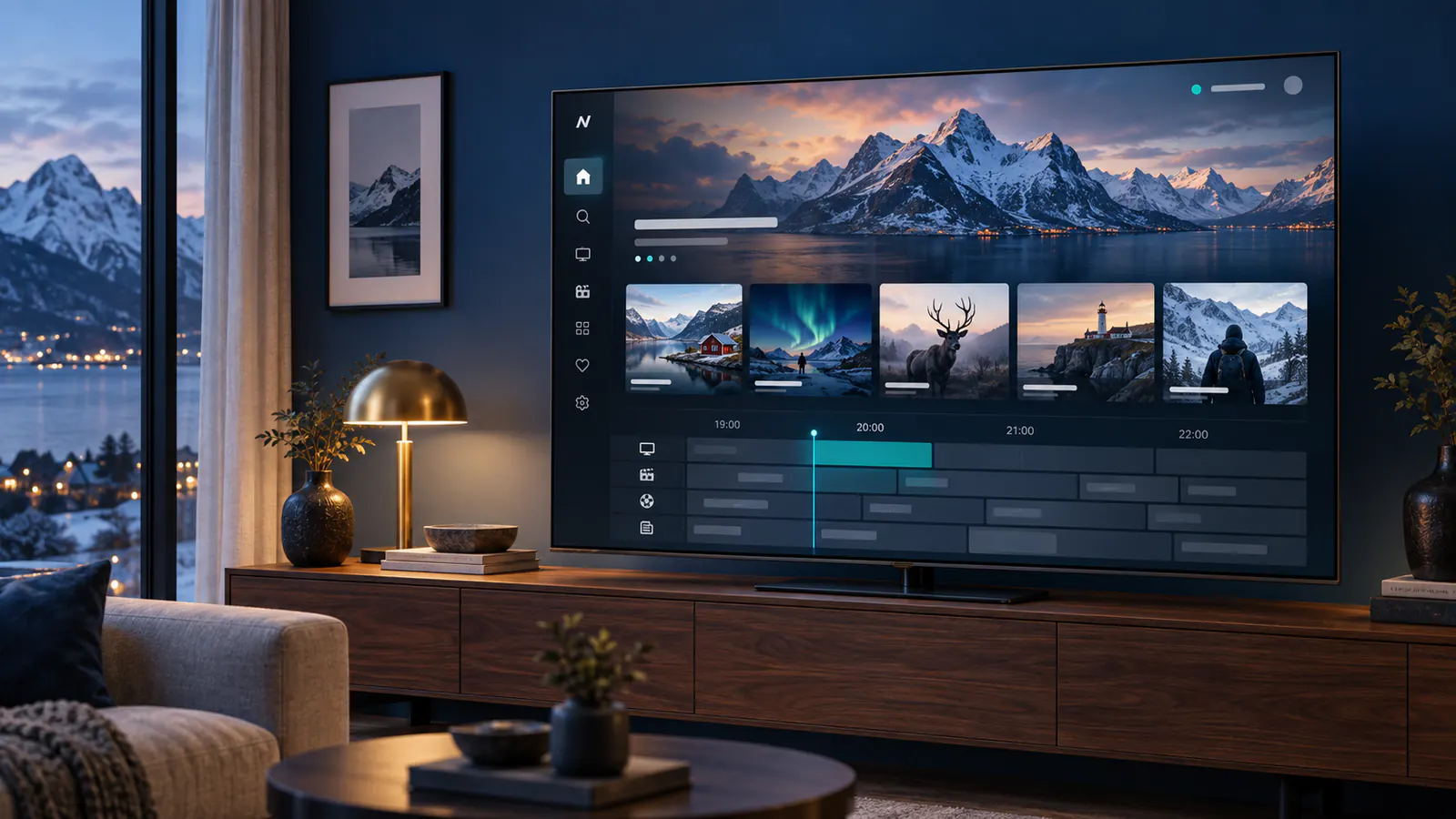
Looking for IPTV in Norway? Compare devices, regional programming and plan terms before you subscribe. This guide helps viewers in Norge prepare a setup that fits their household.
Norwegian and international viewing
Live TV, news, sport and on-demand programmes may be available in different categories. A listing can change over time and some streams depend on location. Ask support to confirm a specific Norwegian channel or event for your plan before ordering.
Plan for Norwegian evening and family viewing
Prepare the setup for the time your household normally watches television. If the main screen works in the afternoon but pauses at night, changing players immediately can hide the original symptom. Note the device, channel, connection method and time of interruption, then compare the same setup during the troublesome period. Our Norway evening-buffering checklist explains how to make that comparison without changing several variables together.
Choose the right route for an Apple TV household
For an Apple TV box, check that the player is available for tvOS and accepts the access method supplied with your subscription. The hardware, the Apple TV application and a streaming subscription are different parts of the setup. Follow the Norwegian Apple TV setup guide for that platform rather than copying instructions intended for Android equipment.
Check what children can open
A favourites list can make a library easier to browse, but it does not necessarily restrict search or access to other sections. Decide which applications and programmes children should reach, then test the route they normally take from the home screen. Check profile switching, account settings and any purchase controls separately. The Norway parental-controls guide provides a practical test.
Before choosing a subscription duration, confirm the Norwegian programmes you need, the player used on each device and the allowed number of simultaneous streams. Keep the order reference and setup instructions private so you can send support a precise question if access or playback changes.
Picture quality and connection
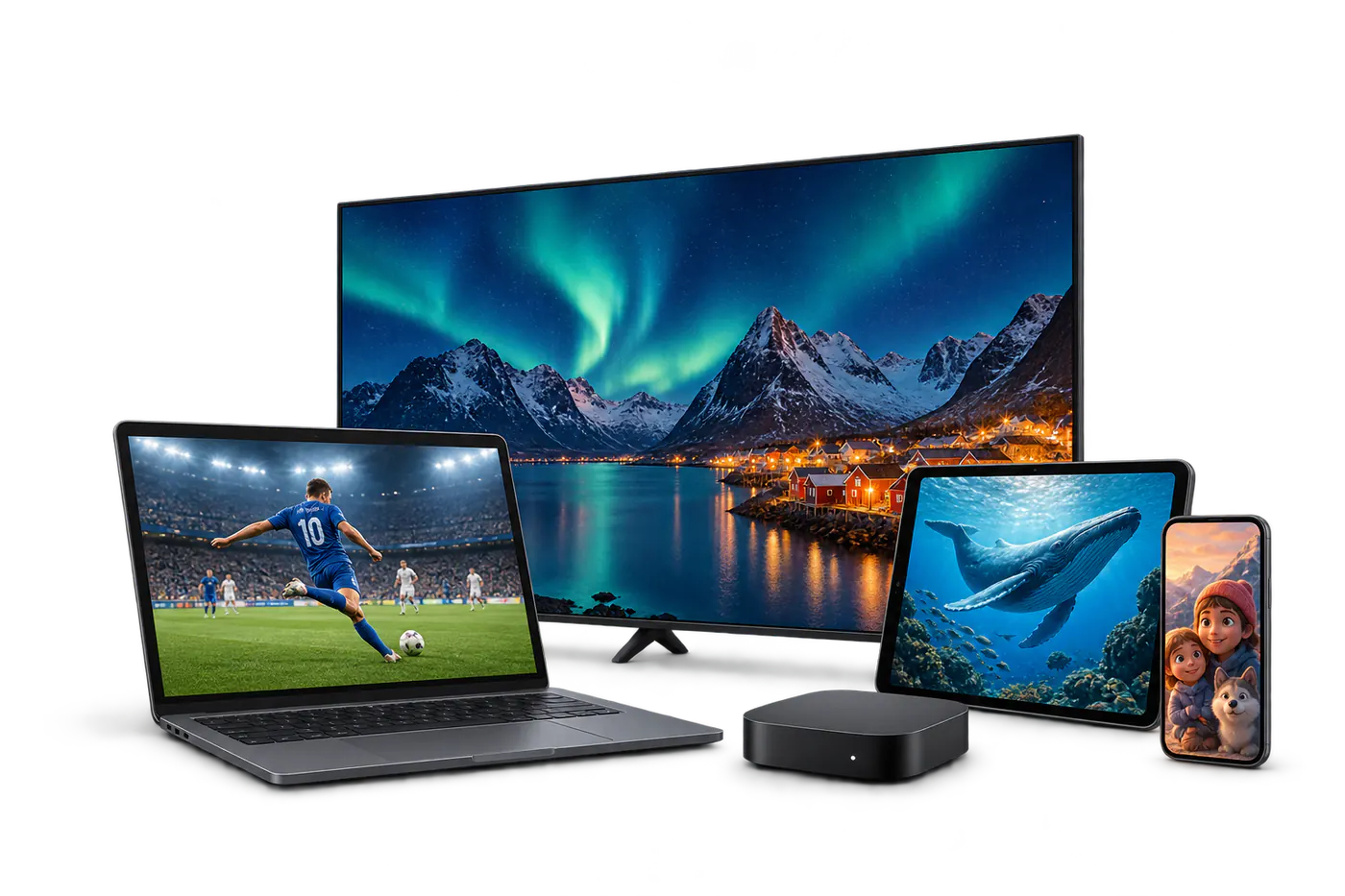
HD is a practical starting point for everyday viewing. If you want 4K, confirm that the selected programme, device and screen support it. Ethernet offers a dependable connection for a main television; otherwise place it near a strong Wi-Fi signal.
Before checkout
- Compare monthly and longer subscription terms.
- Confirm your must-have channels and regional access.
- Read the service terms and support information.
- Follow the setup guide after receiving your access details.
Prefer the local language? Read the Norwegian introduction.