
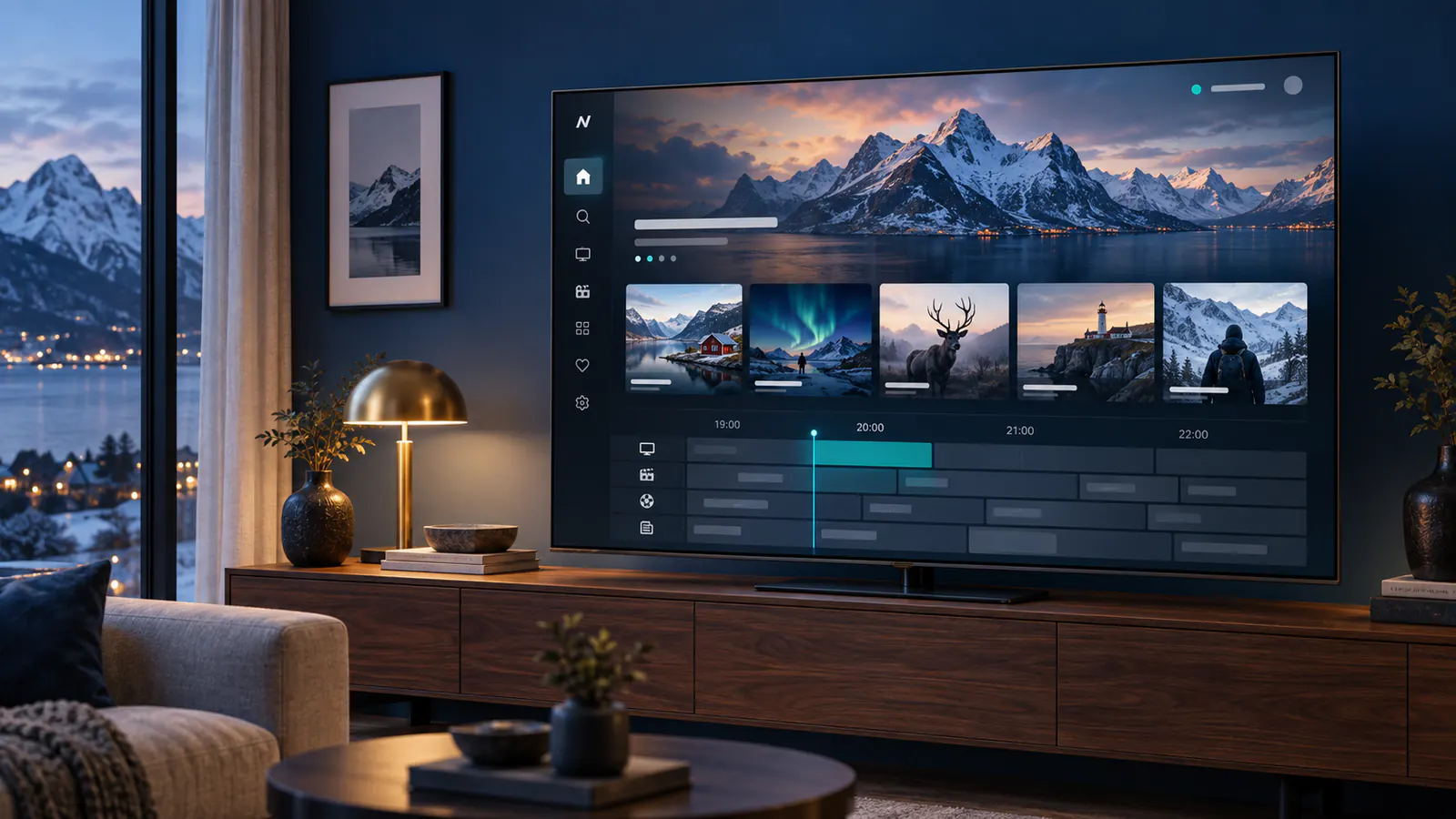
Looking for IPTV in Finland? Compare devices, regional programming and plan terms before you subscribe. This guide helps viewers in Suomi prepare a setup that fits their household.
Finnish and international viewing
Live TV, news, sport and on-demand programmes may be available in different categories. A listing can change over time and some streams depend on location. Ask support to confirm a specific Finnish channel or event for your plan before ordering.
Check Finnish and Swedish language choices before subscribing
For a household watching television in Finland, the useful test is the language available on the exact programme. A Finnish interface changes menus; it does not establish that a film has Finnish audio or Swedish subtitles. Open a scene with dialogue, inspect the audio tracks and subtitle choices separately, and confirm that the combination your household needs actually works.
Use the Finland audio and subtitle troubleshooting guide when a track is missing, selected but invisible, duplicated or out of time. Record the programme title and player rather than reporting only that a language category does not work.
Try three viewing examples on your intended device
- Choose a programme where the spoken language matters to you, and listen to dialogue after selecting the audio track.
- Choose a different title where you need subtitles, and check readability from your usual seat.
- Reopen a programme after changing channels and restarting the app to find out which preferences persist.
These are tests to perform with content confirmed by your service, not a promise that every title carries the same language tracks. If accessibility matters, ask about the subtitle type and player support as well as the language label.
Confirm account and device compatibility
Write down your TV or streaming-box model and the player you plan to use. Ask which login method it accepts and whether a separate player activation is needed. Follow the Finnish setup instructions for general preparation, then test the programmes and language combinations on the actual screen before choosing a longer subscription.
For account-specific questions, send the support team your model, app version, programme and visible language options. This provides a useful starting point for investigating the source or player.
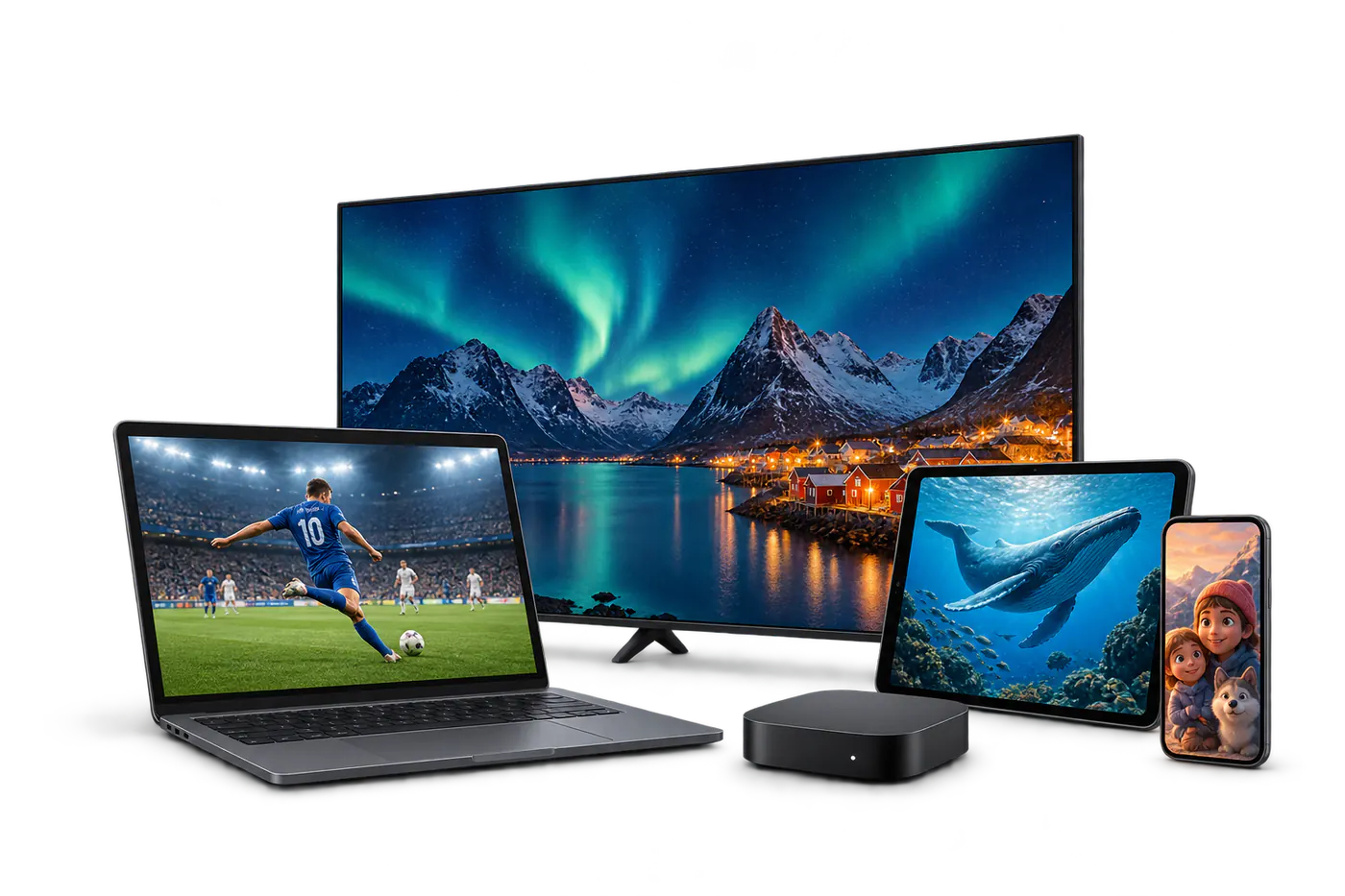
Picture quality and connection
HD is a practical starting point for everyday viewing. If you want 4K, confirm that the selected programme, device and screen support it. Ethernet offers a dependable connection for a main television; otherwise place it near a strong Wi-Fi signal.
Before checkout
- Compare monthly and longer subscription terms.
- Confirm your must-have channels and regional access.
- Read the service terms and support information.
- Follow the setup guide after receiving your access details.
Prefer the local language? Read the Finnish introduction.