
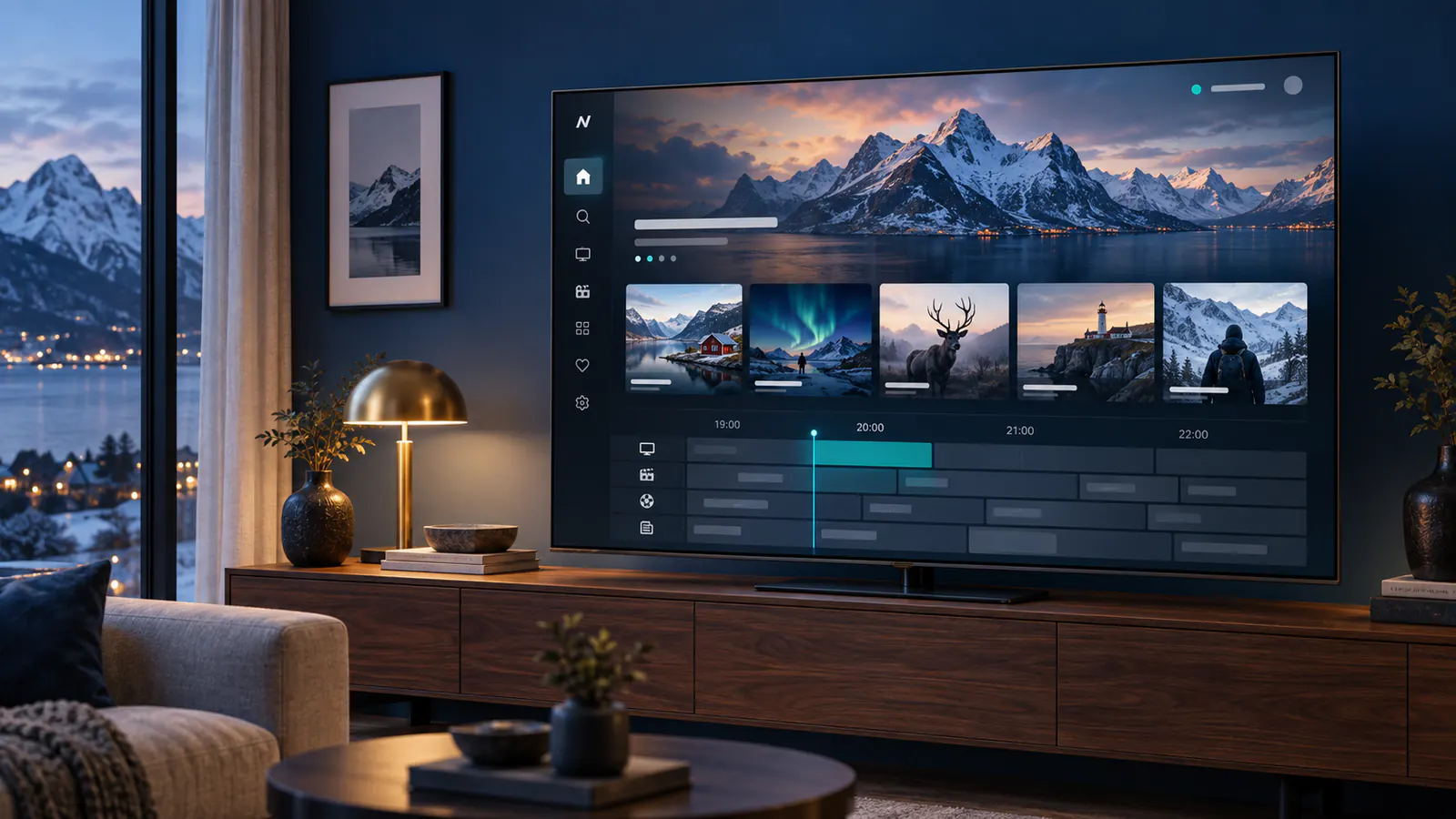
Looking for IPTV in Sweden? Compare devices, regional programming and plan terms before you subscribe. This guide helps viewers in Sverige prepare a setup that fits their household.
Swedish and international viewing
Live TV, news, sport and on-demand programmes may be available in different categories. A listing can change over time and some streams depend on location. Ask support to confirm a specific Swedish channel or event for your plan before ordering.
Build a Swedish viewing setup around your main screen
Start with the television you already use in Sweden. Write down its exact model and operating system, then confirm that the intended player is available for that platform. A Samsung or LG television and a separate Android TV box can require different applications; a recommendation for one is not an installation guide for the other. The Swedish guide to choosing an IPTV app helps you compare players by device and login method.
Test the Swedish programmes your household actually watches
Make a small checklist with a live programme, an on-demand episode and a programme where Swedish subtitles matter. For each one, check whether the source is available, the spoken language is right, subtitles can be selected and the guide identifies the correct programme. Ask about the exact entry rather than treating a Swedish category name as confirmation of every title.
Compare app activation and subscription access separately
Before paying, identify which part of the setup the payment covers. A player licence and a television subscription may be separate purchases. Confirm how your access details are entered and whether changing devices requires a new registration. Test remote navigation, favourites and a normal restart before relying on the setup for everyday viewing.
For a household using a TV and phone, distinguish installing the account on both from playing on both at once. Confirm the simultaneous connection allowance for the selected plan. Use the support page to check your model, player and viewing requirements before ordering.
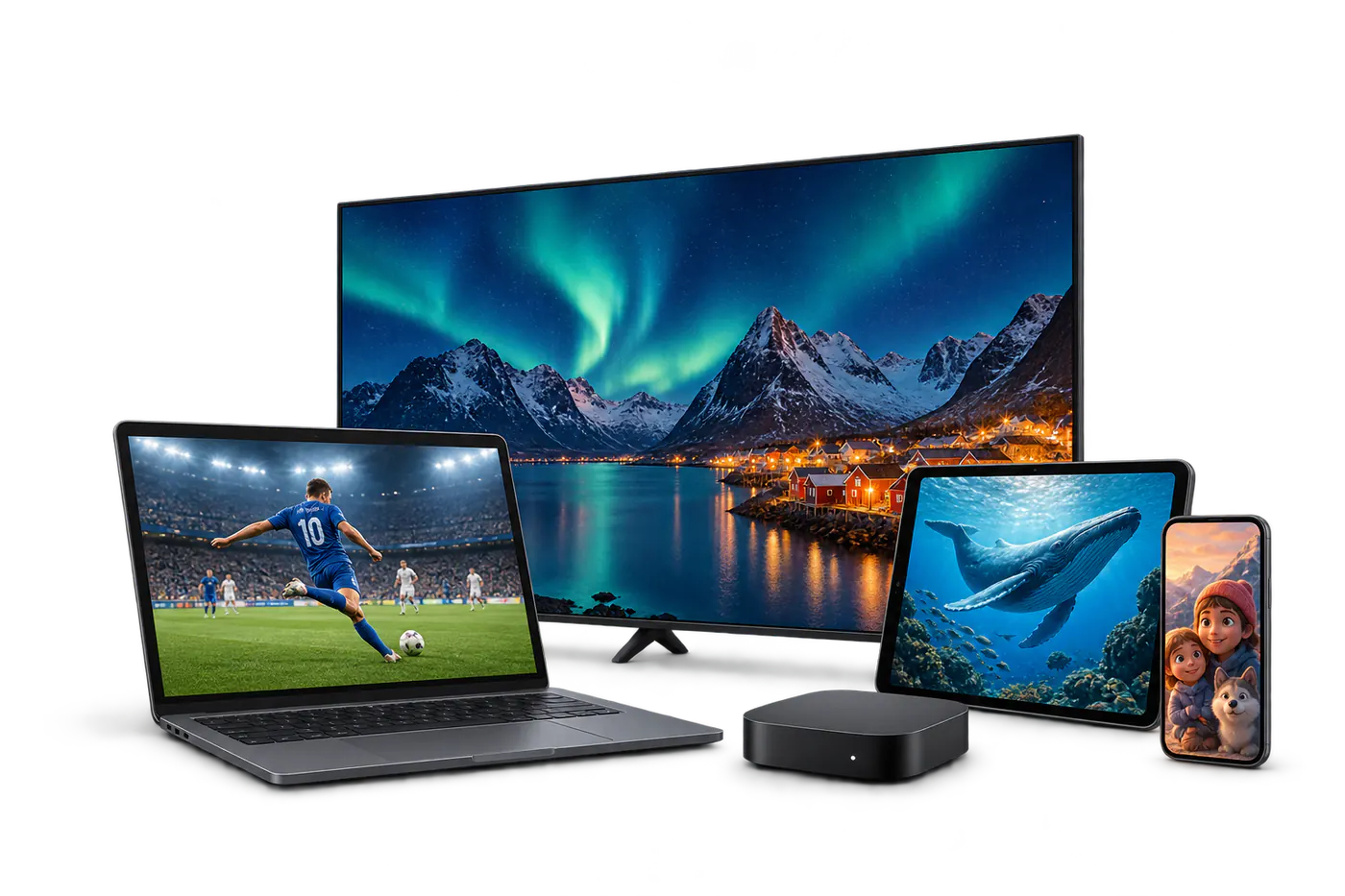
Picture quality and connection
HD is a practical starting point for everyday viewing. If you want 4K, confirm that the selected programme, device and screen support it. Ethernet offers a dependable connection for a main television; otherwise place it near a strong Wi-Fi signal.
Before checkout
- Compare monthly and longer subscription terms.
- Confirm your must-have channels and regional access.
- Read the service terms and support information.
- Follow the setup guide after receiving your access details.
Prefer the local language? Read the Swedish introduction.