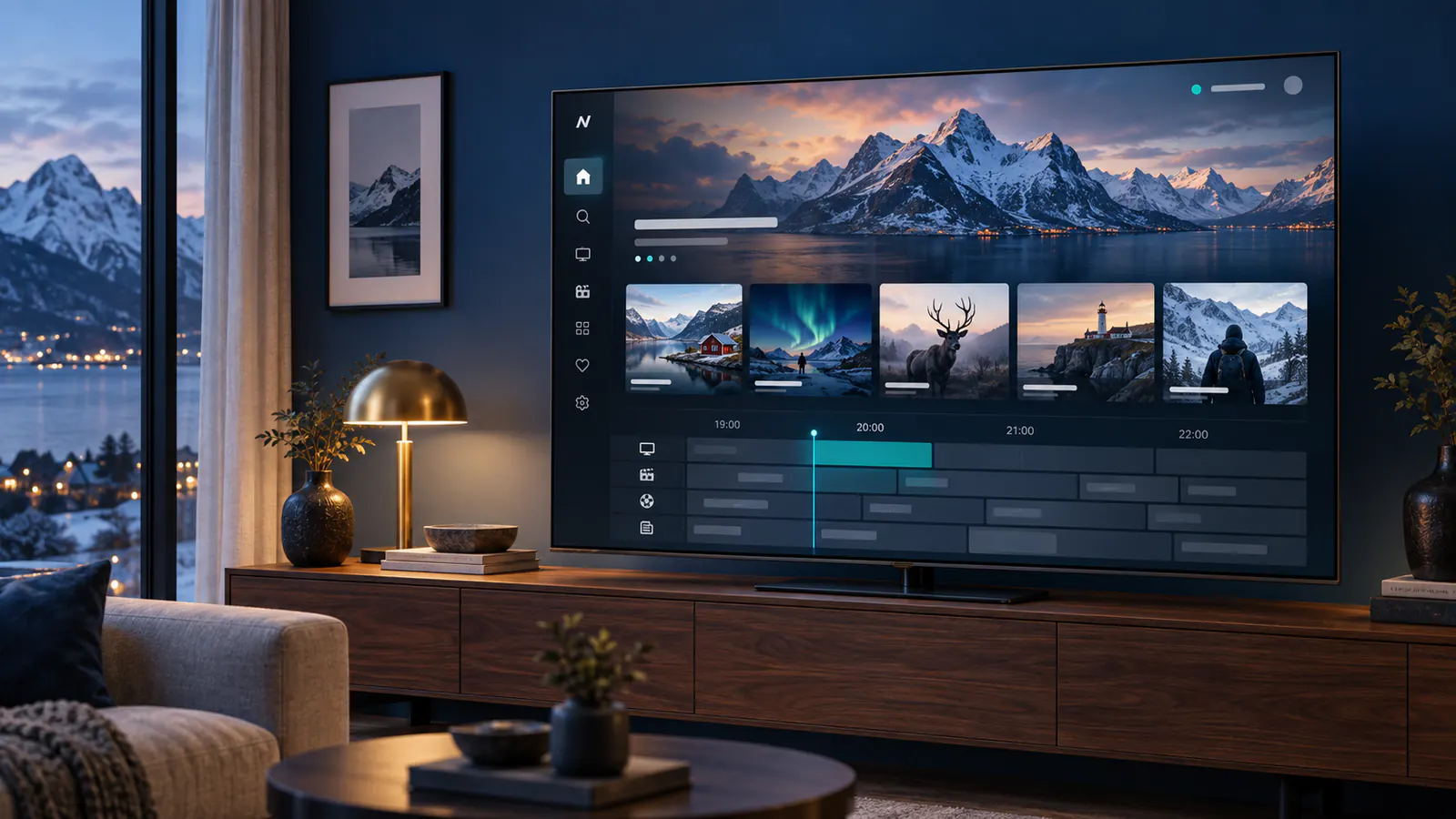
IPTV in Denmark | Nordic Viewing Guide

Nordic IPTV · EN

IPTV in Denmark | Nordic Viewing Guide

Nordic streaming made simple

A clearer Nordic IPTV experience

Nordic IPTV is a common term for internet television services and guides aimed at viewers in Nordic markets. This site focuses on clear device compatibility, plan information, setup guidance and useful support instead of inflated marketing claims.

Choose your Nordic IPTV plan
A clearer Nordic IPTV experience

Nordic streaming made simple

Choose your Nordic IPTV plan

Compare duration, picture quality and connection options. Pick the plan that matches your devices and viewing routine.

1 month

Flexible start

Standard

€14.99

Order Now
  • 32,400+ live TV channels
  • 195,000+ movies & series
  • HD, Full HD & 4K UHD quality
  • Full EPG / TV guide support
  • Anti-freeze streaming technology
  • VPN friendly
  • Works with all IPTV apps
  • Easy step-by-step setup guide
  • Fast activation & secure payment
  • 24/7 customer support
  • No contracts or hidden fees

3 months

Popular choice

Standard

€34.99

Order Now
  • 32,400+ live TV channels
  • 195,000+ movies & series
  • HD, Full HD & 4K UHD quality
  • Full EPG / TV guide support
  • Anti-freeze streaming technology
  • VPN friendly
  • Works with all IPTV apps
  • Easy step-by-step setup guide
  • Fast activation & secure payment
  • 24/7 customer support
  • No contracts or hidden fees

6 months

More value

Standard

€54.99

Order Now
  • 32,400+ live TV channels
  • 195,000+ movies & series
  • HD, Full HD & 4K UHD quality
  • Full EPG / TV guide support
  • Anti-freeze streaming technology
  • VPN friendly
  • Works with all IPTV apps
  • Easy step-by-step setup guide
  • Fast activation & secure payment
  • 24/7 customer support
  • No contracts or hidden fees

Nordic IPTV frequently asked questions

Which devices are supported?+

Common options include Smart TVs, Android TV, Fire TV, Apple TV, phones, tablets, computers and compatible TV boxes.

How fast should my internet be?+

Stable bandwidth matters more than a single speed-test result. Resolution, Wi-Fi quality and household traffic all affect playback.

Is every stream available in 4K?+

No. 4K depends on the source, plan, device, screen and internet connection.

What is EPG?+

EPG is an electronic programme guide that can show current and upcoming programmes inside a compatible app.

Nordic streaming made simple

Ready to choose your setup?

Check your device, choose a duration and contact support if you need help before ordering.

Contact support

Looking for IPTV in Denmark? Compare devices, regional programming and plan terms before you subscribe. This guide helps viewers in Danmark prepare a setup that fits their household.
Nordic landscape representing viewing in Denmark

Danish and international viewing

Live TV, news, sport and on-demand programmes may be available in different categories. A listing can change over time and some streams depend on location. Ask support to confirm a specific Danish channel or event for your plan before ordering.

Prepare a Danish setup with a usable programme guide

For Danish television viewing, test the electronic programme guide as well as the picture. Choose several programmes and compare the listed title and start time with what is playing. If every channel has the same time difference, investigate the device clock and existing guide offset. If one channel shows a different station’s programmes, ask about its guide association instead of moving the entire schedule.

Use the Danish EPG troubleshooting guide for missing listings, time mismatches and channel mapping. A guide entry alone does not establish that a past broadcast can be replayed; confirm catch-up availability separately for the programme you want.

Samsung and LG televisions need model-specific checks

Check the exact TV model and the player available in its official app store. Do not assume that an Android application can be installed on a Samsung or LG television in the same way as on a separate box. Confirm whether the app requires a playlist, account credentials or device activation before starting. The Danish Samsung and LG setup guide covers the platform checks and first playback test.

Keep a simple acceptance checklist

  • Test a Danish programme you intend to watch, not just a sample stream.
  • Check the correct audio and subtitle choices during dialogue.
  • Compare current and upcoming programme listings.
  • Restart normally and confirm that the account and preferences remain available.
  • Ask how many simultaneous streams are included for your household.

For a remaining problem, send the support team your model, player version, exact programme and test result. Leave passwords and private source addresses out of public messages.
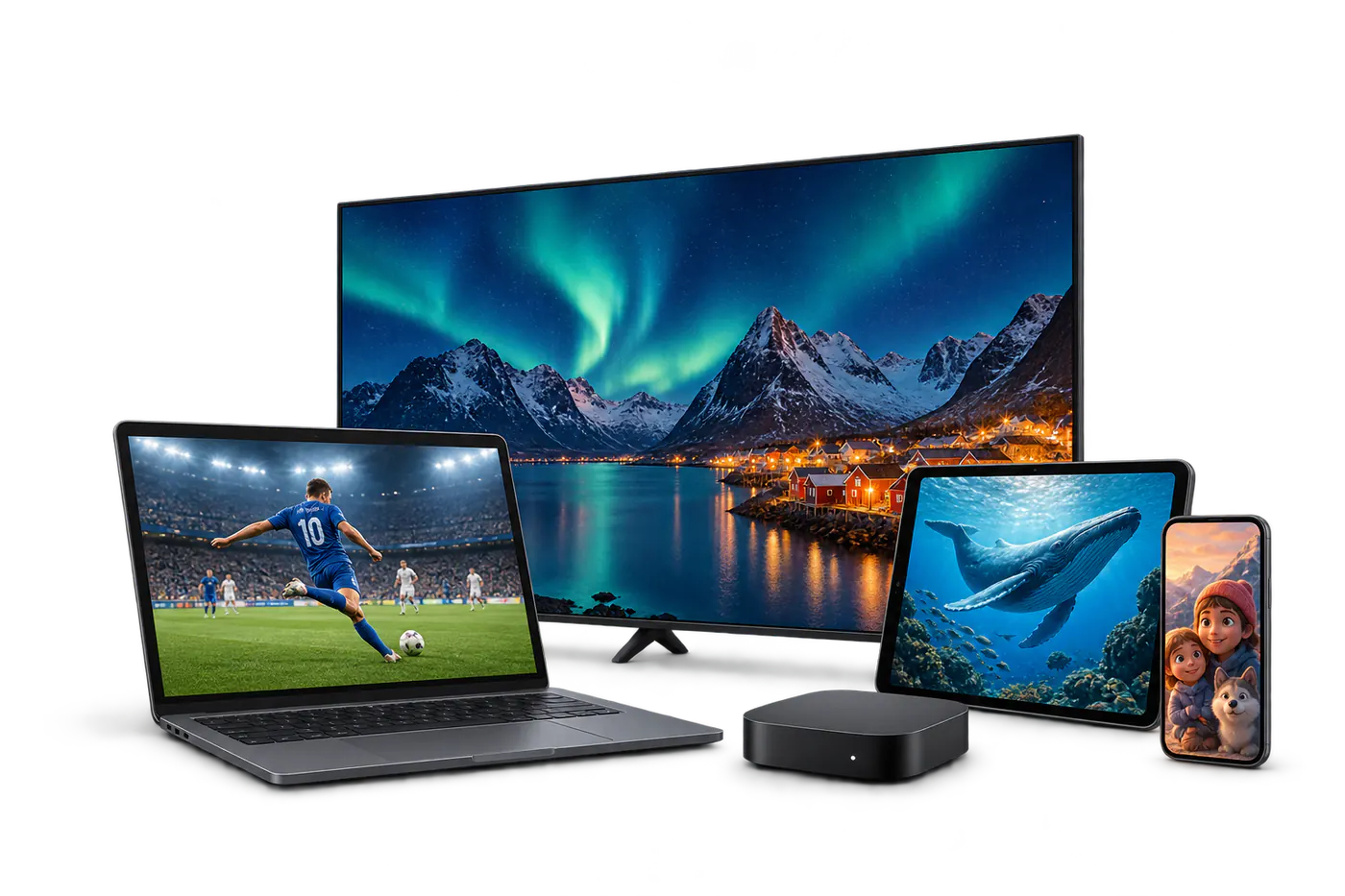
Television, tablet and phone for streaming in Denmark

Picture quality and connection

HD is a practical starting point for everyday viewing. If you want 4K, confirm that the selected programme, device and screen support it. Ethernet offers a dependable connection for a main television; otherwise place it near a strong Wi-Fi signal.

Before checkout

  • Compare monthly and longer subscription terms.
  • Confirm your must-have channels and regional access.
  • Read the service terms and support information.
  • Follow the setup guide after receiving your access details.

Prefer the local language? Read the Danish introduction.