
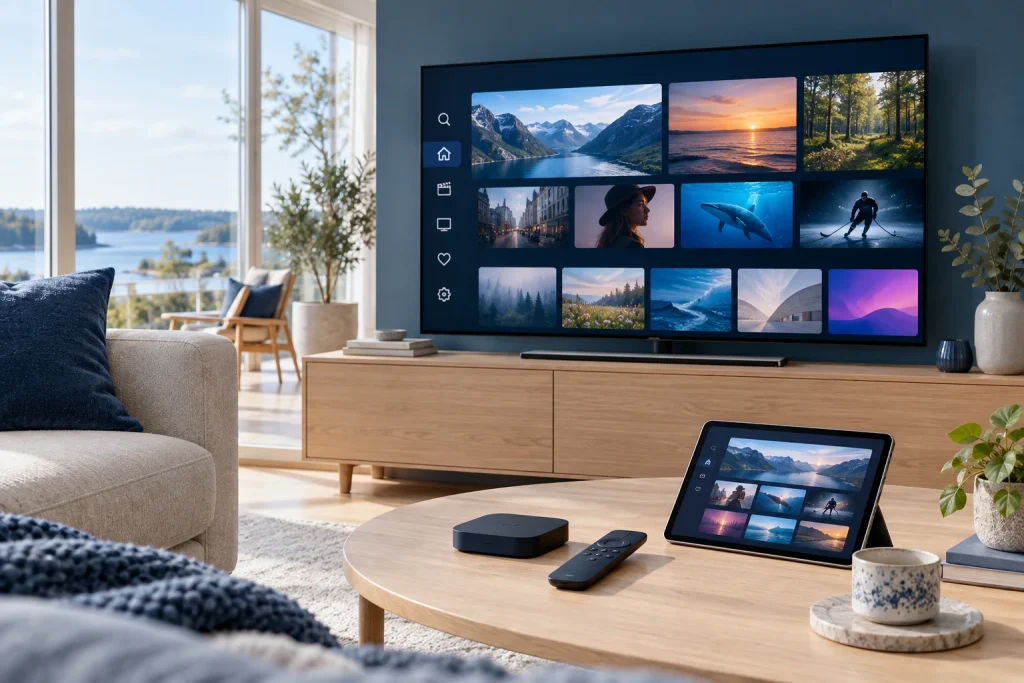
The best IPTV Nordic service for your household is the one that matches the channels you watch, the devices you own and the number of people streaming at the same time. A large advertised catalogue is less useful than a confirmed line-up, a clear setup process and subscription terms you understand.
Quick answer: shortlist Nordic IPTV services by channel coverage first, then compare device compatibility, simultaneous connections, picture quality, support and total cost. Before choosing a longer plan, confirm your essential channels and how the service works on your main screen.
This buying guide explains what to compare. It does not claim to be a provider ranking based on tests we have not performed. For the current offer on this website, start with the Nordic IPTV overview and pricing page.
How to Choose the Best IPTV Nordic Service
- List your essential channels. Separate must-have programmes from channels you would rarely open.
- Confirm your countries and languages. Check the Nordic markets relevant to your household.
- Identify your main device. Note the TV model, operating system or streaming box.
- Check simultaneous connections. Count the screens you need to use together.
- Review setup and support. Ask which app and login method the service supports.
- Compare the full cost. Include any separate player-app fee and renewal terms.
- Verify before committing. Ask about a permitted demonstration or shorter initial option if available.
Use the same checklist for every service you consider. Comparing one provider’s channel count with another provider’s connection limit will not tell you which one fits your household.
What Does Nordic IPTV Mean?
Nordic IPTV describes television delivered over an internet connection with a focus on the Nordic region. Buyers commonly look for coverage of Sweden, Norway, Denmark and Finland, and sometimes Iceland. The actual countries and content included depend on the service.
Searches such as “IPTV Nordic” and “Scandinavia IPTV” often lead to similar offers, but a regional label is not a channel guarantee. Look at the current line-up rather than assuming that a Nordic name includes every national broadcaster or every language.
Compare Nordic Channels Before Channel Counts
Start with a short list of programmes, channel names and languages your household uses every week. Ask the provider to confirm those items in the relevant plan. A service with thousands of entries can still be missing one channel that matters to you.
For mixed-language households, check more than the country’s name. Confirm the available audio, subtitles and programme information where these are important. Read our Nordic TV channels guide to build a useful shortlist.
Check Device and App Compatibility
“Works on Smart TV” is a starting point, not a model-specific answer. Samsung, LG, Android TV and Apple TV have different app environments. Tell support the exact model and ask which player, login method and features are supported.
A player app and a television subscription can be separate products. Installing a player does not automatically provide the content, and paying for an app feature does not necessarily extend your television plan.
For a TV-first household
Prioritise remote-control navigation, readable menus, quick access to favourites and a useful programme guide. Test the setup from the sofa rather than judging it only from a phone screenshot.
For a household using several screens
Check whether your plan allows the screens to play at the same time. A login that can be installed on several devices may still have a smaller simultaneous-stream limit.
Compare Plans with a Simple Worksheet
| Criterion | Question to ask | What to record |
|---|---|---|
| Content | Are my essential channels included? | Confirmed names and relevant plan. |
| Device | Which app works on my model? | App, platform and login method. |
| Connections | How many screens can play together? | Simultaneous limit. |
| Quality | Which content is available in my preferred format? | Confirmed source quality and device requirements. |
| Support | How do I get setup help? | Contact route and stated support terms. |
| Cost | What do I pay now and at renewal? | Plan total, separate fees and duration. |
Keep unclear answers marked as unconfirmed. You can then resolve those specific questions before making a purchase rather than discovering a mismatch afterwards.
HD, Full HD and 4K: Check the Whole Setup
Picture quality depends on the source, player, device, display and connection. Owning a 4K television does not turn every stream into 4K, and a plan label does not prove that every channel uses the same format.
Ask about the content you actually watch. If a high-resolution stream struggles, compare another available stream and investigate the network before changing multiple settings at once. The goal is a setup that works reliably for your use, rather than the highest resolution printed in an advertisement.
Which Subscription Length Makes Sense?
A shorter initial period can be useful when you are checking a new device or deciding whether the line-up fits your viewing habits. A longer period can make sense once the essentials are confirmed and you understand the terms.
Compare the total price and effective monthly cost, but also check renewal, cancellation and any separate app charges. See current Nordic IPTV plans instead of relying on an old price quoted in a blog article.
How to Interpret Nordic IPTV Brand Searches
If you arrived after searching “nordic play iptv,” “evybuy nordic” or “iptvnordic,” verify which website, seller or product you intended to find. Similar search phrases are not evidence that two services share ownership, accounts or support.
This guide concerns selecting a Nordic IPTV service; it does not claim an affiliation with a business mentioned in a search. Apply the same channel, device and payment checks to each offer, and verify the seller’s identity before entering account details.
Questions to Ask Before You Subscribe
Send support a short, concrete request: “I use [device model], need [channels or languages], and want [number] screens at once. Which plan and app fit those requirements?” This gives the team enough information to recommend a suitable setup.
Also ask the service to explain its authorised content offering and terms. Technical compatibility alone does not establish the rights to distribute a channel.
Frequently Asked Questions
What is the best IPTV Nordic service?
There is no useful single answer without your channels, device and connection needs. Compare those essentials and confirmed terms rather than choosing from an unverified ranking.
Are Nordic IPTV and IPTV Nordic different technologies?
The word order does not describe a different streaming technology. Check the specific service behind the name.
Does every Nordic plan include Norwegian channels?
Do not assume that from the label. Ask for the current Norwegian line-up and read our Norwegian IPTV guide.
Can I use the same plan on two televisions?
Check simultaneous connections and the device rules. Two app installations do not automatically mean two streams at once.
Related Nordic IPTV Guides
- Norwegian IPTV: channels, devices and setup.
- Nordic TV channels: build your viewing shortlist.
- Explore the site’s channels and content overview.
Find a plan that fits your household: compare the current plans or ask support about your device and channel requirements.